




Fibre Channel Screens
TrueNAS Enterprise
Fibre Channel is a TrueNAS Enterprise feature. Only TrueNAS systems licensed for Fibre Channel show iSCSI Fibre Channel screens and settings found by going to Sharing > Block Shares (iSCSI).
Enterprise systems with fibre channel hardware can access fibre channel settings and screens through various iSCSI wizard and share screens.
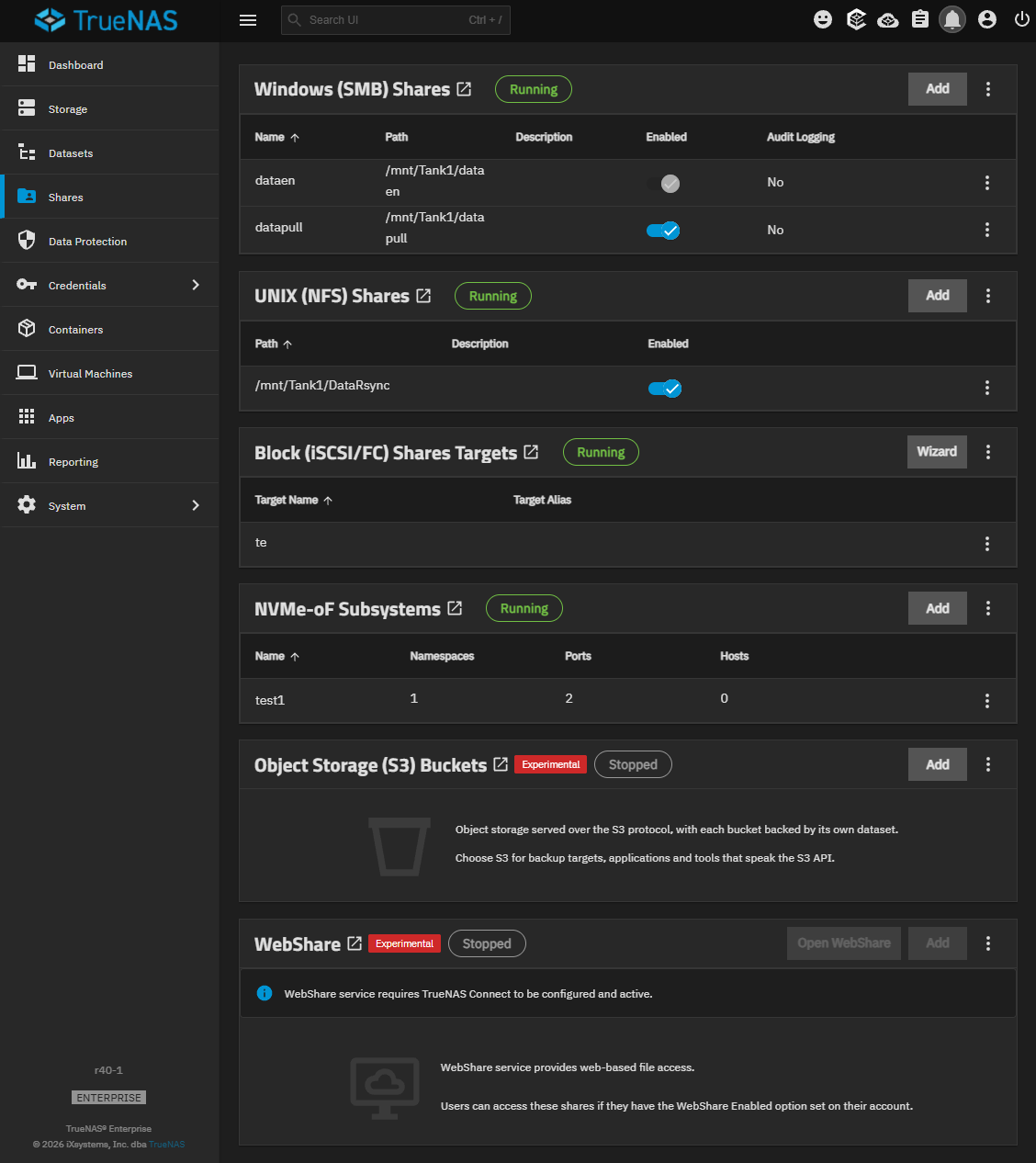
The Block (iSCSI) Shares Targets widget shows iSCSI shares configured for fibre channels. The Wizard button on the header opens the Wizard iSCSI wizard on the Target screen. See Target Screens - Fibre Channel below.