






General Settings Screen
The General Settings screen has four cards that show current general system settings and include buttons for related actions and configuration options. The cards are:
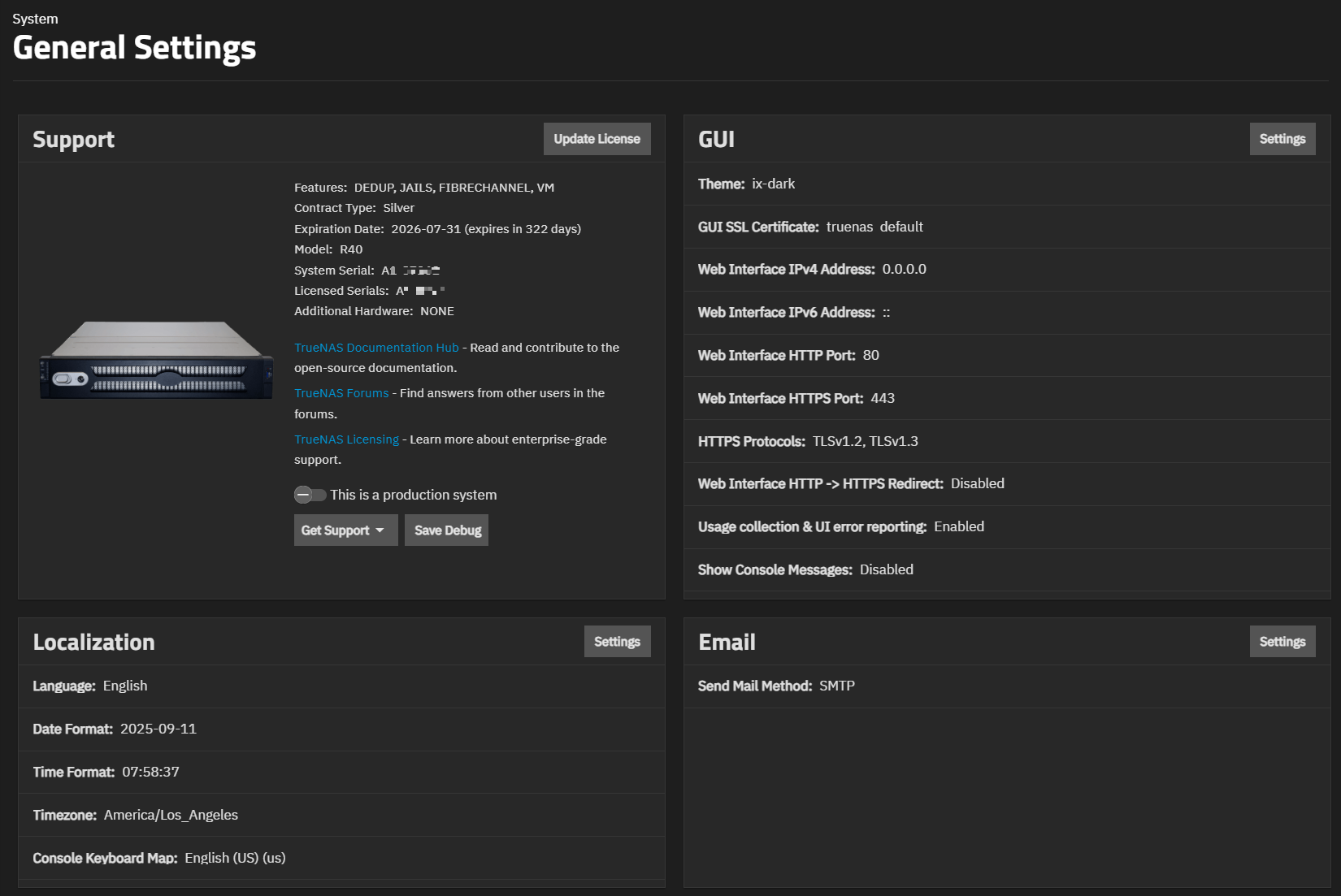
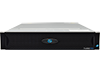
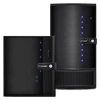
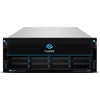
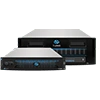
Community systems show the same cards, but are not eligible for Enterprise support options or licenses. Enterprise systems show an image of the system model.
The Support card shows system information and provides access to support resources and actions. All systems show three buttons in the card header: