




TrueNAS 26 Documentation
TrueNAS 26 is renamed TrueNAS 27.
This content documents the TrueNAS 26 BETA releases.
For TrueNAS 27-RC.1 and later, see the TrueNAS 27 documentation.
Email Screens
1 minute read.
The top toolbar Alerts icon button and icon display the Alerts dropdown list with two options: Alert Settings and Email.
Select Email to go to the General settings screen and find the Email widget.
The Email widget on the General Settings screen displays information about current system mail settings.
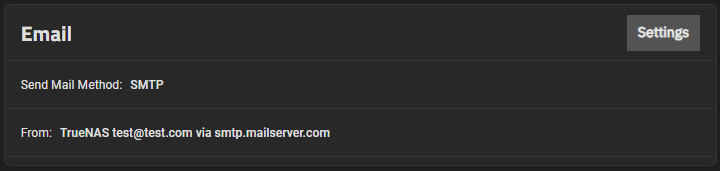
Settings opens the Email Options screen that allows users to configure the system email send method.