







TrueNAS 26 Documentation
TrueNAS 26 is renamed TrueNAS 27.
This content documents the TrueNAS 26 BETA releases.
For TrueNAS 27-RC.1 and later, see the TrueNAS 27 documentation.
Static Routes Screens
1 minute read.
The Static Routes widget on the Network screen shows static IP addresses configured as static routes. Allows manual entry of IP address routes to network destinations outside the TrueNAS network so the router can send packets to a destination network.
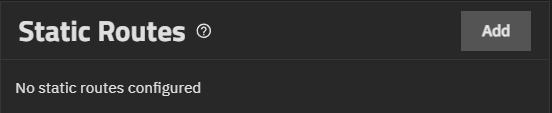
TrueNAS does not have defined static routes by default.
Add opens the Add Static Route screen where you can enter a static route to reach portions of the network.
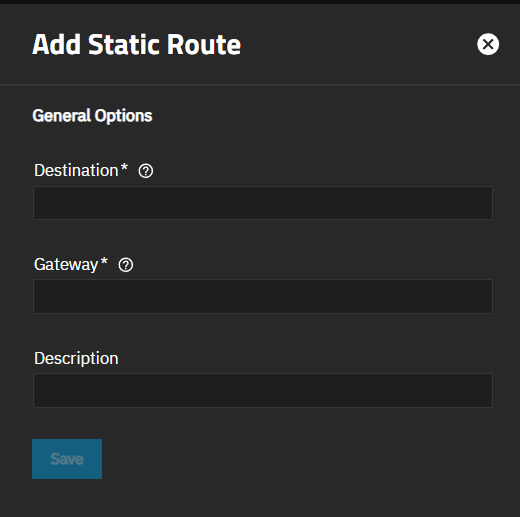
| Setting | Description |
|---|---|
| Destination | The destination IP address entered in the format A.B.C.D/E where E is the CIDR or netmask. This is a required field. |
| Gateway | The IP address of the gateway. This is a required field. |
| Description | Text entry field for any notes or an identifier describing the route. |
Save adds the static route in TrueNAS.