




TrueNAS 26 Documentation
TrueNAS 26 is renamed TrueNAS 27.
This content documents the TrueNAS 26 BETA releases.
For TrueNAS 27-RC.1 and later, see the TrueNAS 27 documentation.
Network Screen
1 minute read.
The TrueNAS Network screen shows network configuration and settings options, in widgets for active interfaces, static routes, and the network configuration. The Network screen also provides access to IPMI channels. IPMI only shows on systems with physical hardware but not for virtual machine deployments. To access the Network screen, go to System on the main navigation menu, then click Network.
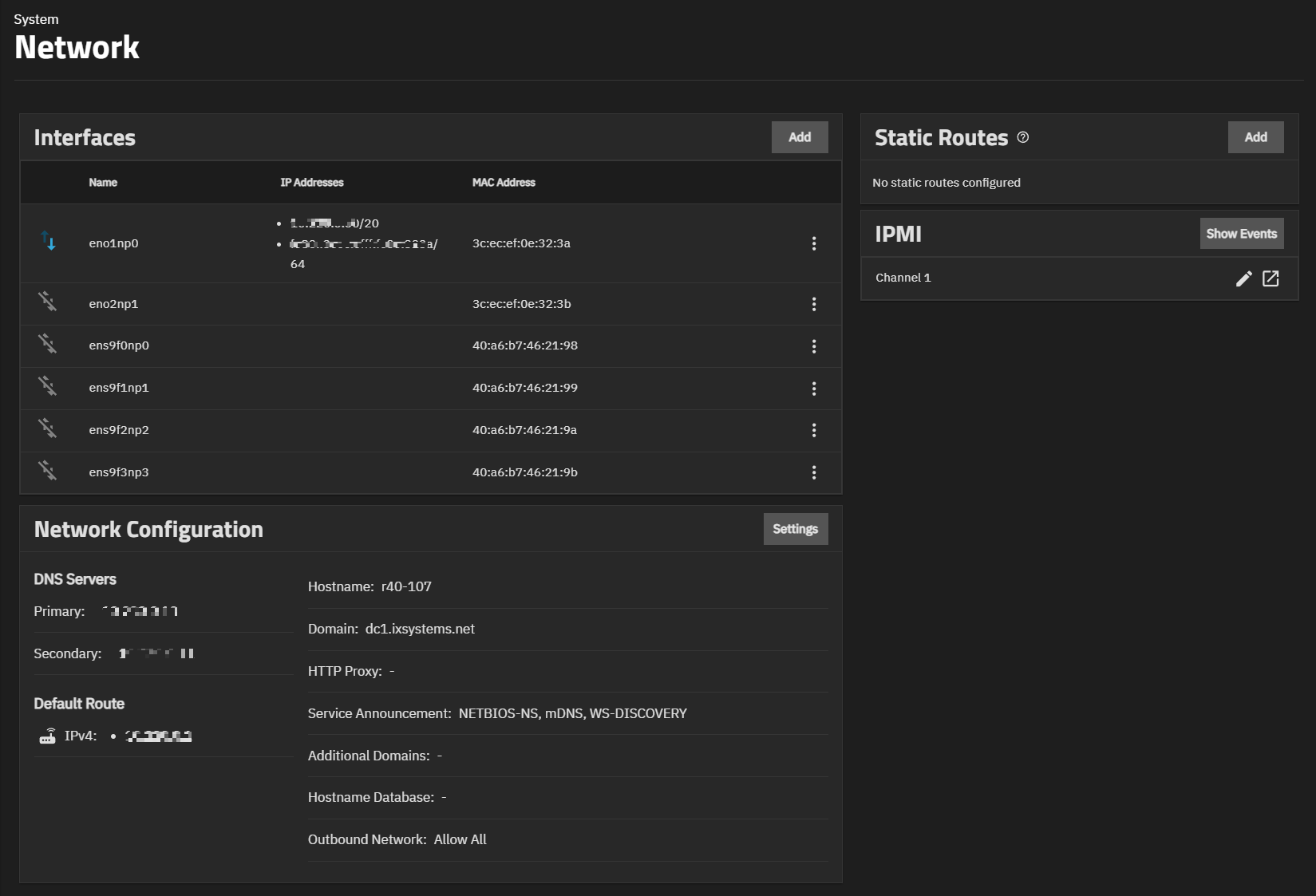
The articles listed below provide more information on Network screen widgets and screens.